博客
制作、分享 Uptown Funk AI 视频的教程和技巧。
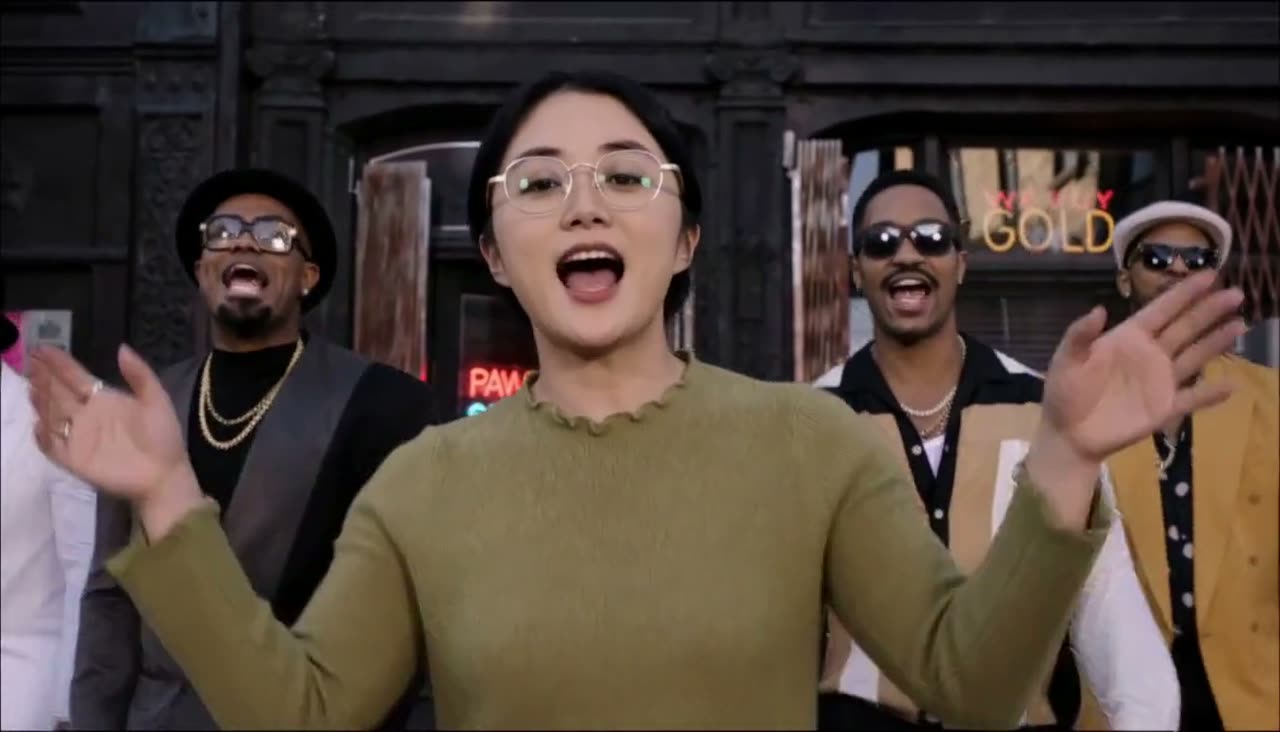
How to Make Uptown Funk AI Video from One Photo
How to make uptown funk AI video: upload a lead photo, optional crew, tick consent, pick 768p or 2K, sign in, buy a pack, generate, wait, and download the 15-second MP4.
 Uptown Funk AI Video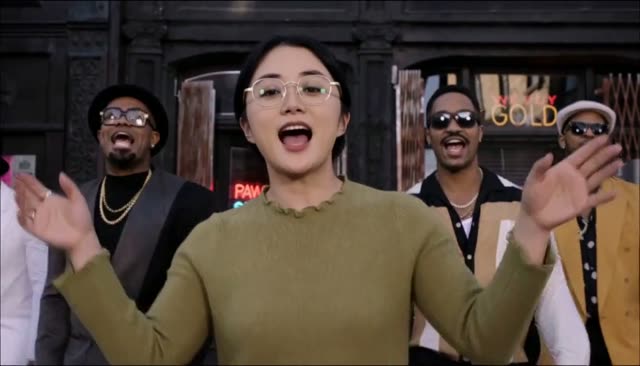
Best Photo for Uptown Funk AI Videos
The best photo for Uptown Funk AI is one person, face large and clear, front-facing, in good light. Glasses and clothes in the photo are what the video uses.
Uptown Funk AI Video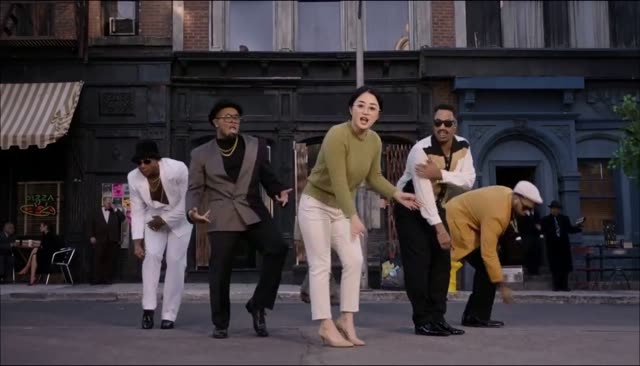
Uptown Funk AI Video with Friends in the Crew
Make an Uptown Funk AI video with friends: one lead photo plus up to four crew photos at no extra cost. Upload order is left to right, and empty spots keep the original dancers.
Uptown Funk AI Video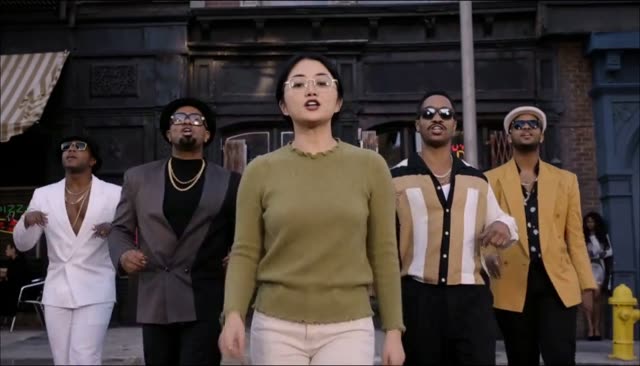
Uptown Funk AI Lip Sync: Song, Mouth, and Limits
Uptown Funk AI lip sync comes with the original song in the MP4. The lead mouth follows that song while the body follows the dance clip. Faces are not perfect, and the video is 15 seconds.
Uptown Funk AI Video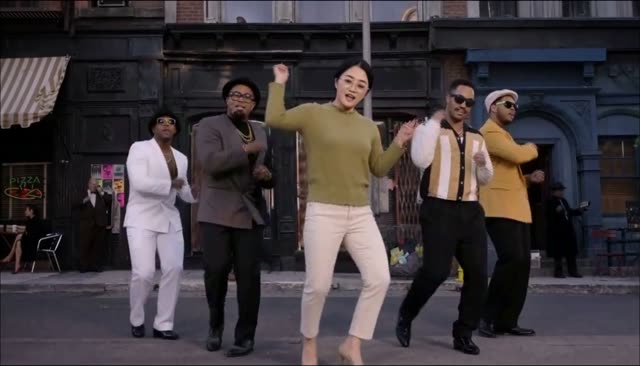
Post Uptown Funk AI Video on TikTok, Reels, and Shorts
Post an Uptown Funk AI video on TikTok, Reels, and Shorts: download the MP4 with the song included, and if the app mutes it, re-post with the in-app Uptown Funk sound.
Uptown Funk AI VideoUptown Funk CapCut Template vs This AI Video
An Uptown Funk CapCut template pastes your face or photo onto clips you edit yourself. This generator makes a new 15-second video where you are the dancer, with movement and lip-sync.
Uptown Funk AI Video